Linked notes and backlinks
Type [[ and pick a note. The reverse connection maintains itself.
Folders say where a note lives; tags say what it is about. Links say how notes relate — and unlike folders and tags, links are written inside the thinking itself. Typehall's version is deliberately small: no graph-query language, no block references, no plugins. Just links, backlinks, and a picture of the whole.
Writing a link
Type [[ in a note and a picker appears: recent notes first, then filtered as you type. Pick one and the link is inserted; the display shows the note's current title and heals itself if that title later changes. Behind the scenes, links can carry the target's id, so renames — even onto a taken title — retarget correctly instead of silently pointing somewhere new. Links inside fenced code blocks and inline code spans are ignored, so code samples containing brackets never linkify by accident.
Backlinks maintain themselves
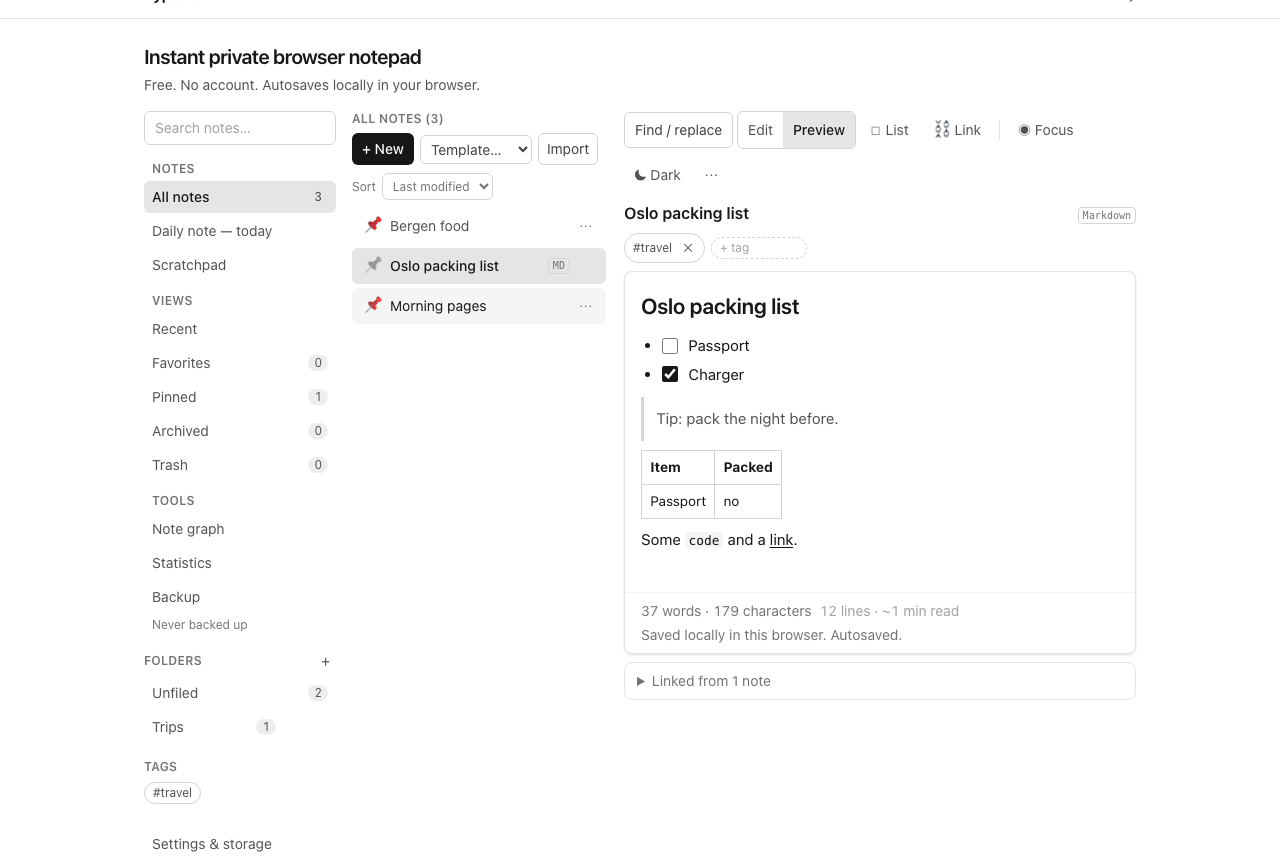
Link note A to note B and B immediately knows about A — the reverse direction is derived, never typed. Open B and the backlinks panel lists every note pointing at it, each expandable to the surrounding context. Delete the link text and the backlink disappears with it; rename a note and every chip pointing at it updates. There is nothing to maintain, which is the only reason the feature earns its keep.
The note graph
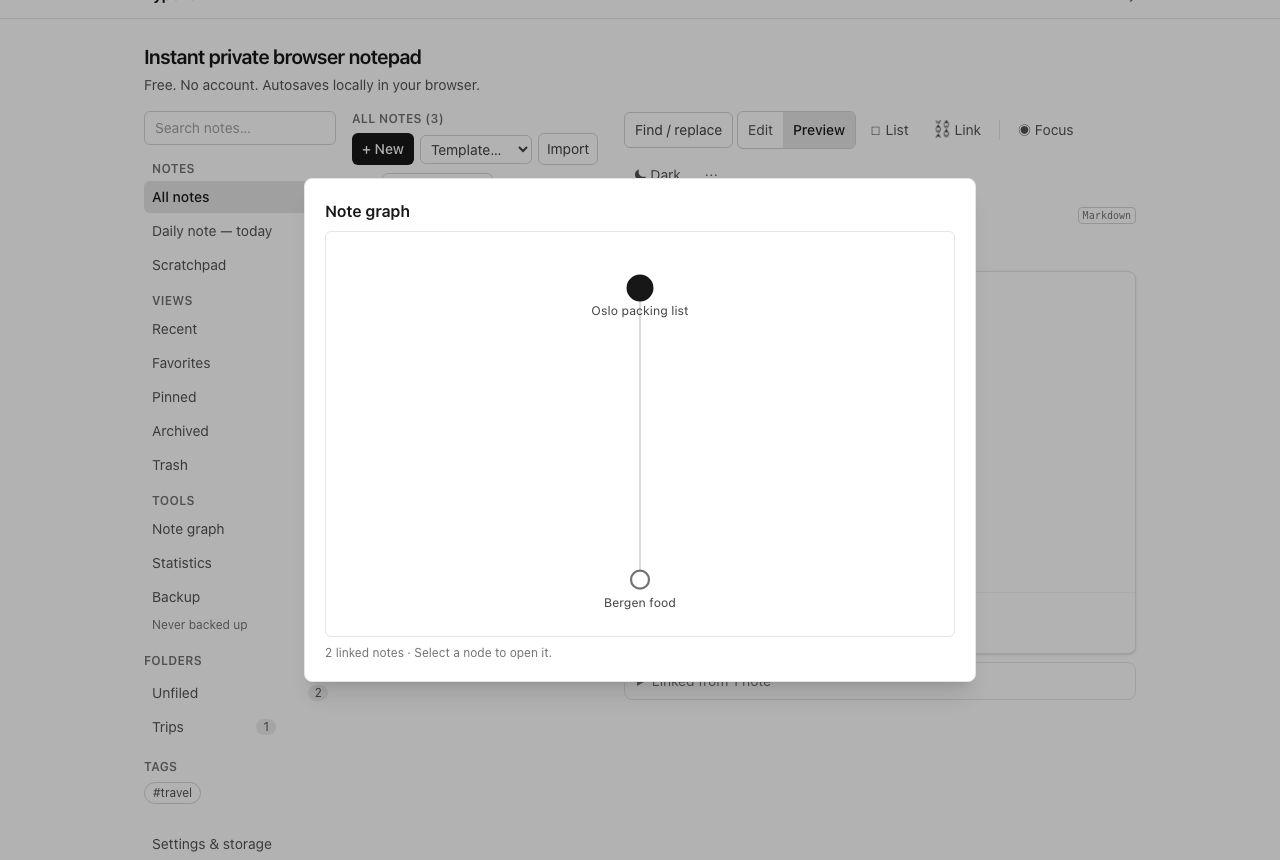
The sidebar's Note graph draws every linked note as a node and every link as an edge (capped at 200 nodes so it stays readable). Select any node to open that note. The graph answers one question — "what connects to what?" — and implies nothing more: it is not a measure of importance, not a project overview, and not a substitute for reading. Small graphs (a trip plan linked to its bookings and lists) are genuinely useful; a 200-node hairball is a sign to archive, not to admire.
Linking vs folders vs tags
File what has one home, tag what answers many questions, and link what explains something else: a decision note links the meeting notes that led to it; a trip note links its booking confirmations; a reading note links the project it informs. Links age better than folders because they record reasoning ("this informed that"), not just storage. But they also rot: a link to a trashed note goes nowhere useful, so delete deliberately and let archive do the routine work.
Honest limits
- No block-level or heading links — links point at whole notes.
- No links across browsers or devices; everything here is same-browser local.
- No transclusion: a link opens the note, it does not embed it.
- This is not a knowledge-management platform and does not try to be one — for Zettelkasten-scale systems with thousands of notes, a dedicated tool fits better.
Open the notepad and link two notes that explain each other. That is the whole tutorial.