Organizing notes without a system to learn
Folders, tags, search, and filters for tens or hundreds of notes.
Most note apps ask you to adopt a methodology before you have ten notes. Typehall does the opposite: the organizing tools are small, composable, and ignorable until you need them. This guide shows what each one is for and how they combine when the pile grows.
Folders: one level, on purpose
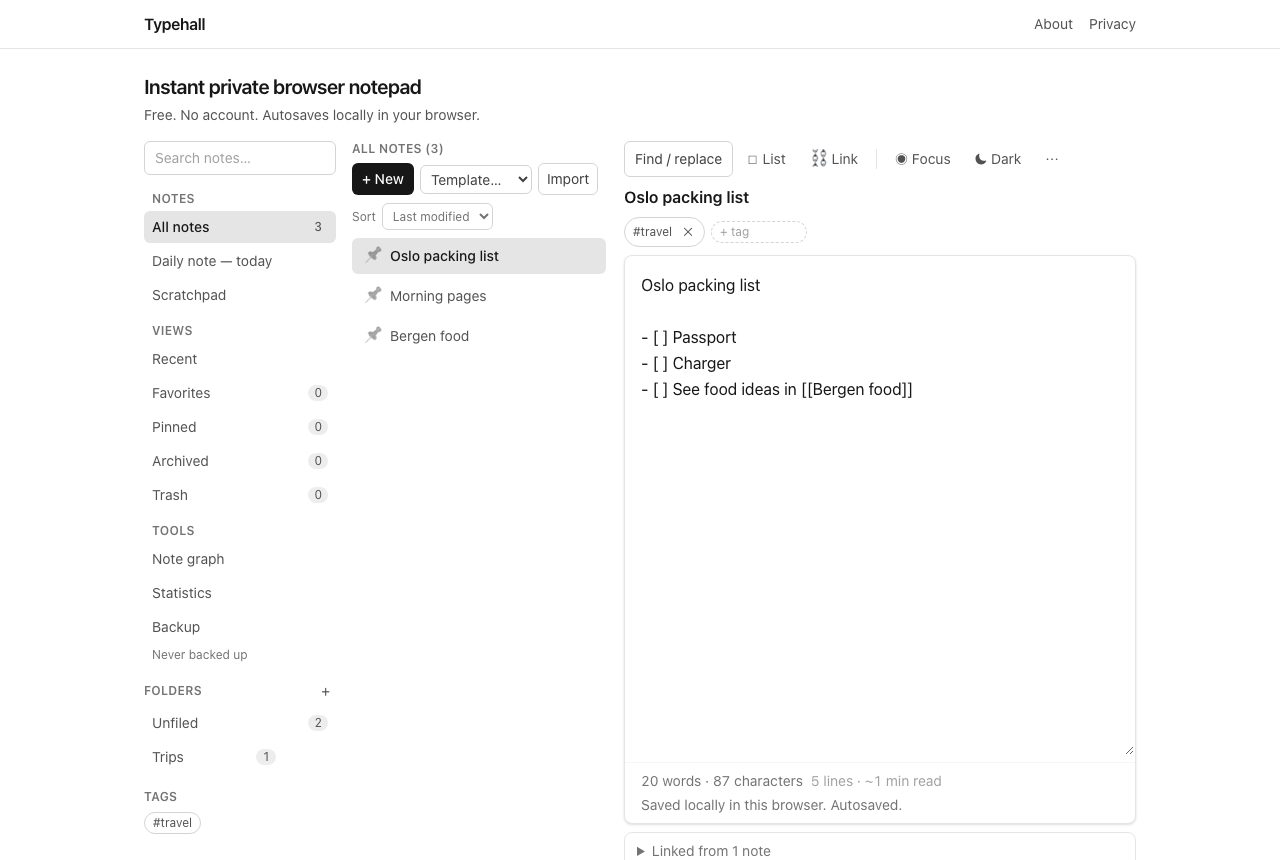
Folders hold notes; notes live in exactly one folder (or none), and there is no nesting. Create one from the sidebar, rename it, move notes into it from a note's actions menu, and delete it when the project ends (deleting a folder never deletes the notes — they fall back to All notes). One level sounds limiting until you notice what it prevents: the afternoon spent designing a taxonomy instead of writing. Use folders for big, stable buckets — a trip, a course, a client — and let tags do the fine slicing.
Tags: the fine slicing
Tags cut across folders: up to 20 per note, 32 characters each, added from the note's tag row with suggestions from tags you already use. Click any tag in the sidebar to filter the whole library to it. Good tags are concrete nouns you will actually click later (receipts, thesis, week-32), not moods. Because suggestions reuse existing tags, spelling stays consistent without discipline.
Folders vs tags, settled
If a note belongs in exactly one place, that place is a folder. If a note answers several questions, those questions are tags. A packing list lives in the Trips folder and carries the essentials tag; a quote worth reusing lives wherever it was captured and carries the quotes tag. When in doubt, prefer tags — they cost nothing to add later, while reorganizing folders costs an afternoon.
Search, sort, and saved filters
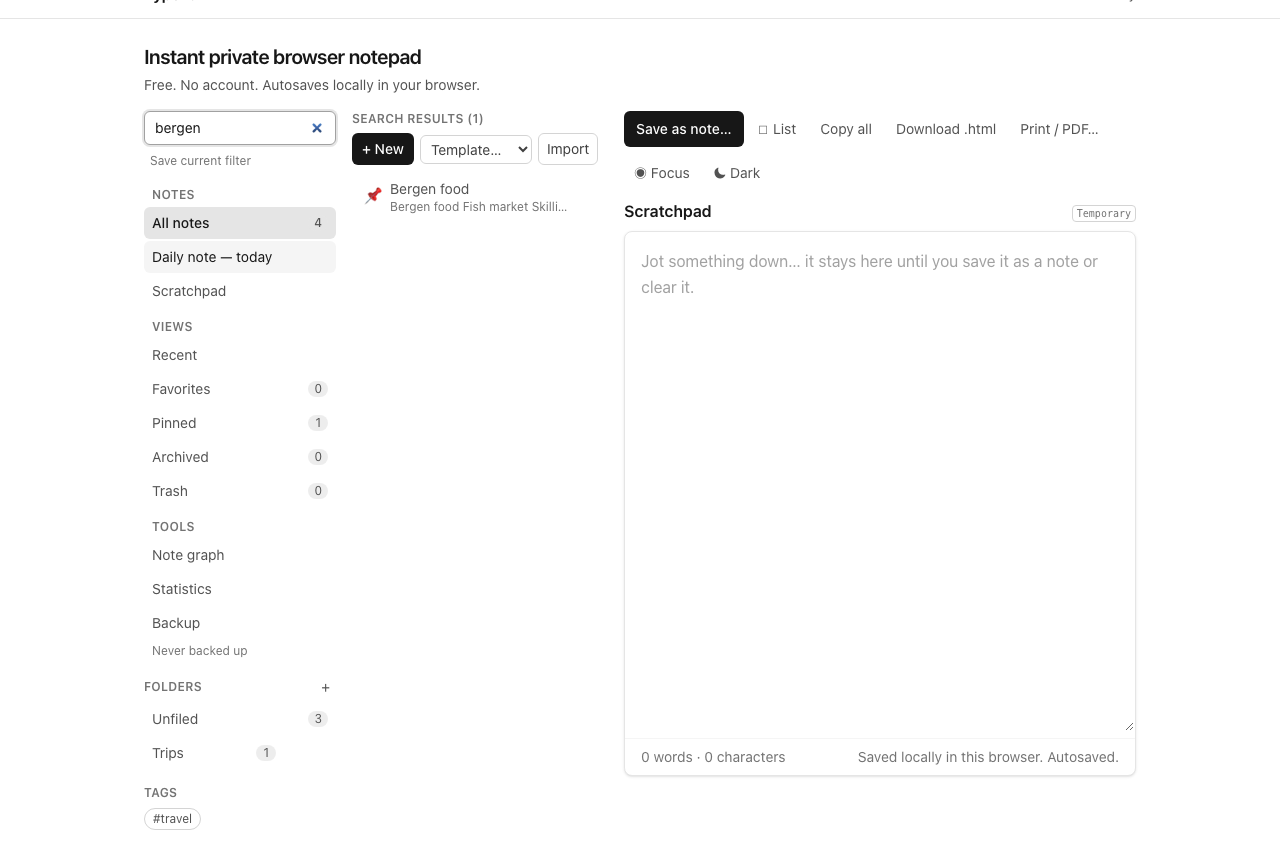
Global search covers titles, bodies, tags, and folder names and caps results at 100, which is a hint about intent: search is for finding, not for browsing. Sorting (modified, created, title, pinned-first) orders whatever view you are in. Saved filters freeze a search you run often — up to 10, with short names — into sidebar chips: one click re-runs "tagged thesis, modified this month" without retyping it. Build a filter the third time you run a search by hand.
Pin, favorites, archive: three different keeps
- Pin the 2–3 notes you open daily — they sort first everywhere.
- Favorite (star) the dozen you reference weekly — a stable shelf, separate from recency.
- Archive finished work instead of deleting it — out of the way, still searchable, restorable.
Trash is the fourth state, for actual deletion, with restore before you empty it. The pattern: pin for today, favorite for the month, archive for the year, trash for mistakes.
Tens vs hundreds of notes
Under fifty notes, search plus recents is the whole system — skip the rest. Past a hundred, add one folder per active area and tags for cross-cutting themes, plus two or three saved filters for your repeat questions. Past several hundred, archive aggressively (a note you never open costs nothing but clutters every list), lean on search over browsing, and consider linking related notes instead of building deeper folder hierarchies — connections scale better than containers.
Open the notepad and file the three messiest notes you have. That is the whole method.