Quick capture without the filing cabinet
Scratchpad, checklists, templates, and focus mode for text that arrives faster than organization.
Most text arrives before its category does: a phone number mid-call, a quote mid-article, three errands remembered in the shower queue. Capture systems fail when they demand filing at the moment of capture. Typehall splits the job in two — a frictionless place to catch text, and ordinary notes to promote it into later.
The scratchpad: catch now, file later
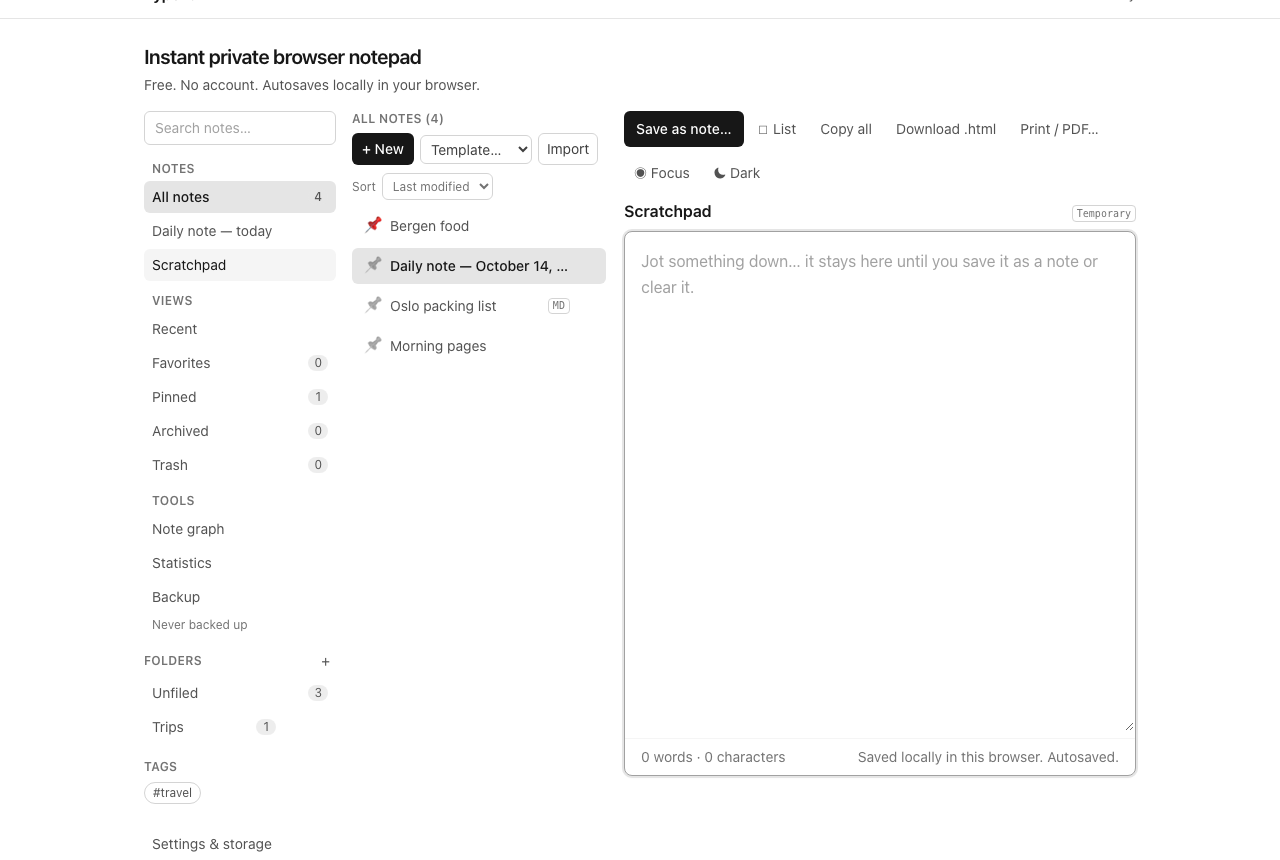
The scratchpad is a dedicated temporary pane, not a note: open it from the sidebar, type, and close it. The text waits there — explicitly marked Temporary — until you either save it as a note (which files a dated copy into the library and clears the pad) or clear it. It is deliberately excluded from search, graph, backlinks, statistics, and backups' note lists, so half-thoughts never pollute the organized library. Rule of thumb: if text sits in the scratchpad overnight, it wanted to be a note — promote it in the morning.
Checklists: errands that tick themselves off
The List button inserts checklist items; in Markdown notes they render as checkboxes you tick in Preview or toggle in place. A scratch grocery list, a packing list, today's three intentions — all are one note with dashes, not a task-management project. Counts come free: the editor knows how many items are done.
Templates: start from structure
Ten built-in templates — meeting notes, project plan, reading notes, checklist, daily plan, weekly review, decision note, research notes, journal, travel plan — create a pre-structured note from the Template picker. Templates are starting points, not forms: everything they insert is ordinary editable text you can mangle freely. Reach for one when the blank page stalls you; skip them when it doesn't.
The fast path: palette, shortcuts, focus
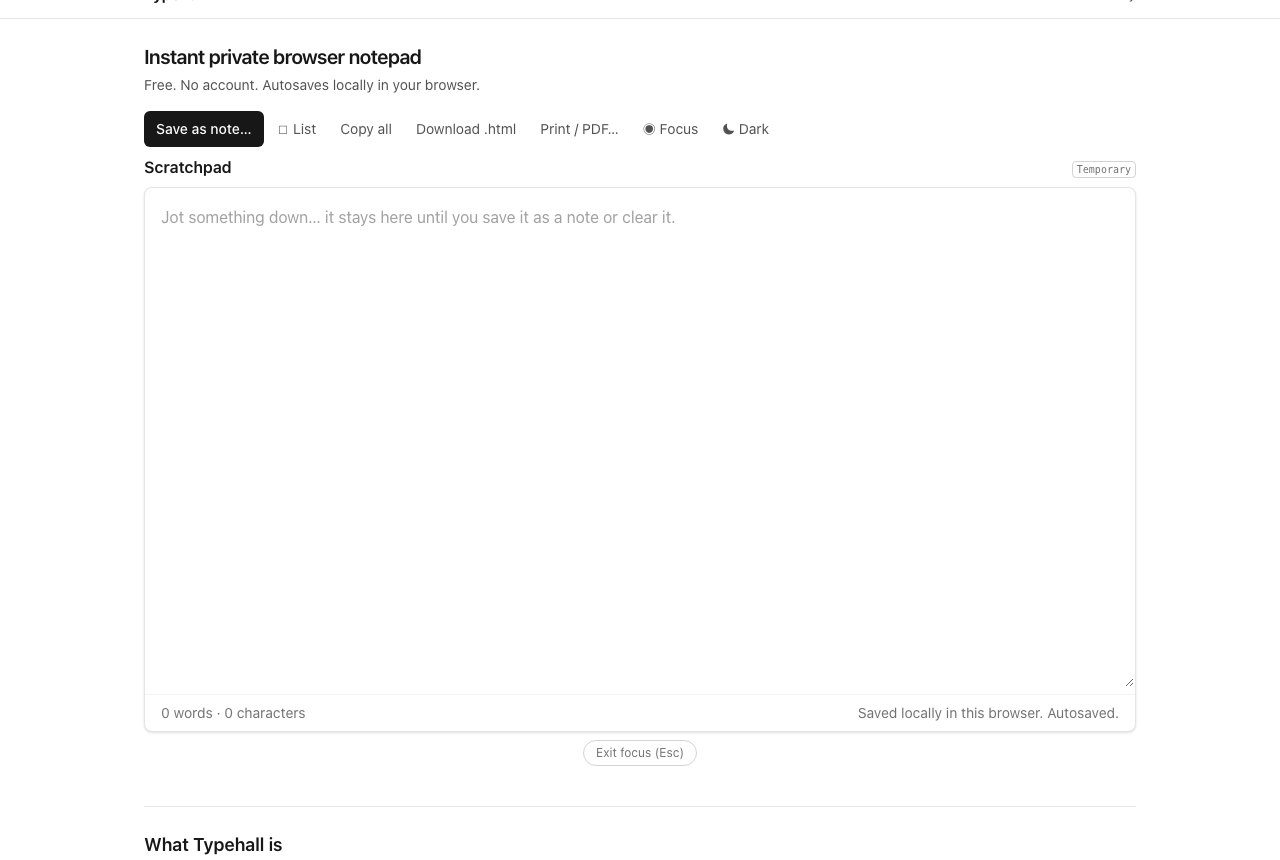
The command palette (Ctrl/⌘K) runs actions by keyboard — new note, daily note, search, dialogs — without touching the mouse. Find and replace jumps within long captures. And when the capture becomes writing, focus mode strips the library away to leave editor, text, and an exit button.
Brain dumps: empty the head, sort later
A brain dump is capture without even the pretense of order: open the scratchpad (or a blank note) and type everything on your mind as fast as it arrives — worries, errands, half-ideas, all of it, one per line, no organizing while dumping. When the flow stops, walk the list line by line: each item becomes a checklist task, a calendar entry elsewhere, a new note, or deleted noise. Most dumps shrink by half in this pass, and what remains is an actual inventory of your head instead of a fog. Do this weekly and anxiety gets a shape; do it before trips and packing lists write themselves.
The whole loop, in order
Catch it in the scratchpad → promote the keepers with Save as note → shape with a template or checklist → file with a folder or tag when (and only when) it earns one → find it later with search. Organizing notes takes over where this guide ends.
Open the notepad and jot the next thing down before you forget it.